Simplify Your Focus with YoDo Task
An ultra-fast, local-first Kanban board and task manager. No cloud required. Take back control of your data, task boards, and focus logs.
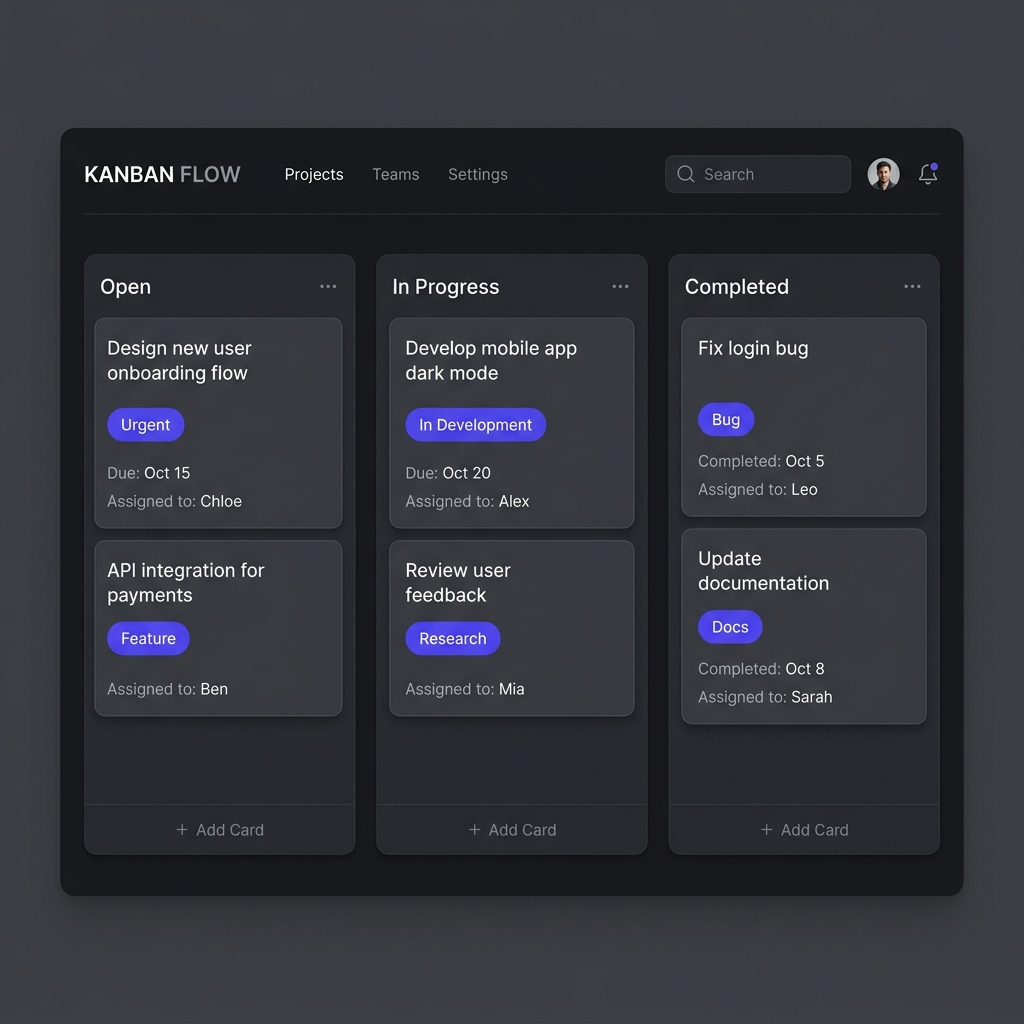
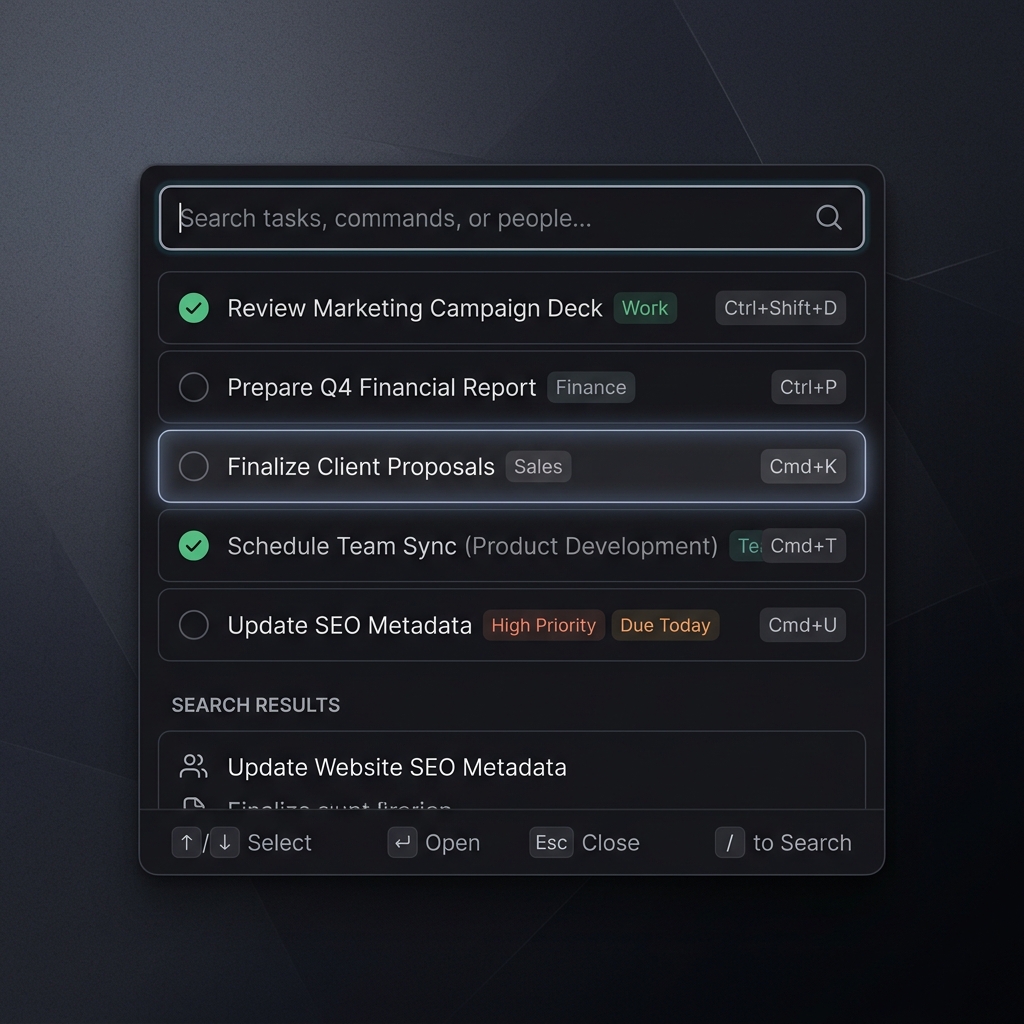
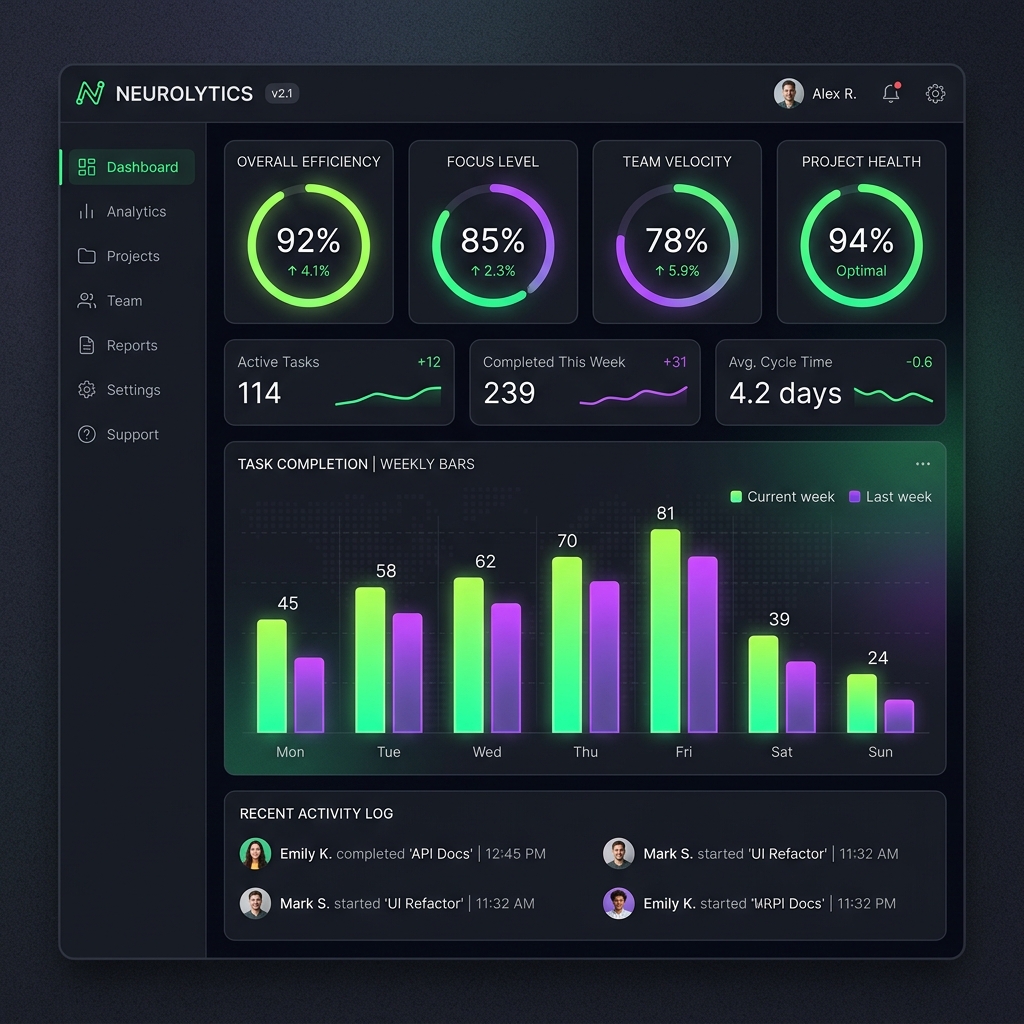
Visual Preview
A peek into your future local workspace experience.
Designed for Speed and Security
A minimalist design packed with premium utility.
Local-First Performance
Launches instantly. Runs entirely in your local network with zero cloud lag or remote data synchronization delays.
SQLite Data Control
Your workspace, logs, and settings are saved locally inside a production-safe SQLite file. Back up or restore anytime.
Offline Support
Work seamlessly on flights, subways, or remote locations. Never lose focus due to network disconnection.
Pomodoro & Audit Logs
Integrated focus timers track productivity sessions and log achievements in a searchable, offline audit trail.
Setup Instructions
Getting up and running takes less than 30 seconds.
Copy the Command
Select your operating system tab above, then click the Copy button to copy the curl installation command to your clipboard.
Run in Terminal
Open your Terminal, paste the command, and hit Enter. The installer will pull the codebase, install packages, and launch the app automatically.
Start Organizing
YoDo Task launches automatically. Use Ctrl+Shift+Space anywhere on your desktop to open the quick-add popup.
Access & Migration Guide
Essential tips to connect and manage your local-first databases.
Launching the Web App
To use YoDo Task on your web browser or install the PWA, navigate to the dedicated application subdomain:
💡 Tip: Click the Install Icon inside your browser's address bar to save YoDo Task as a standalone app on your desktop/mobile.
Database Port Number
The app syncs directly with your local SQLite database using a secure connection port.
⚠️ Working Port: Enter the exact Port Number configured during local installation. If the port is incorrect or the server is stopped, connection will fail.
Backup & Migration
This app is fully local-first. Your data runs only on your local system or browser sandbox storage. It does not sync to the cloud automatically.
⚠️ Switching Devices: To use your tasks on another system, export a database backup from the old system's Settings and restore it on the new system.